



















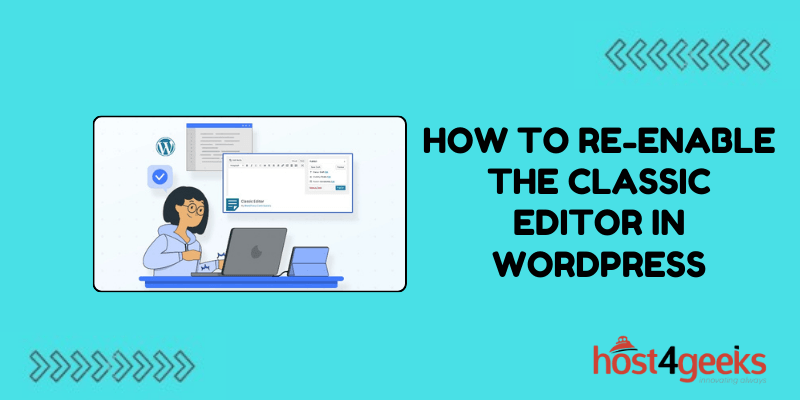
How to Re-enable the Classic Editor in WordPress



If you’ve been a WordPress user for some time, you’ve probably noticed that WordPress introduced a new editor a few versions back—the Gutenberg Editor. It arrived with WordPress 5.0 and...
Continue reading
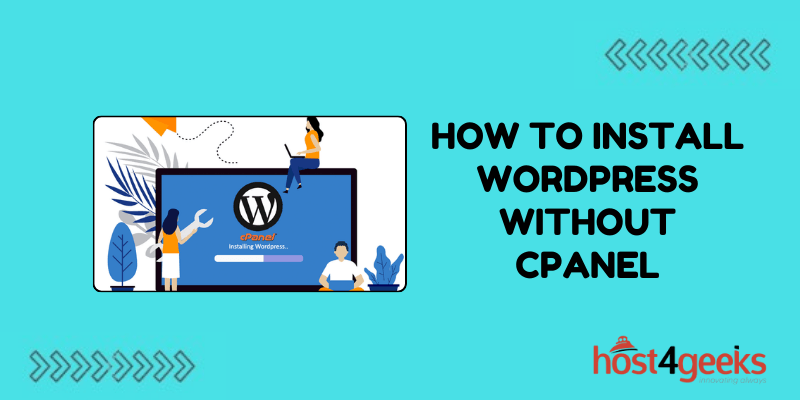
How to Install WordPress Without cPanel: A Comprehensive Guide
When it comes to installing WordPress, many people rely on cPanel to make the process smoother. However, there are scenarios where cPanel isn’t available, especially if you’re on a VPS...
Continue reading

WordPress SEO Tips: A Complete Guide to Enhancing Your Website’s Search Visibility
Your website’s success depends on how easily it can be found by those who need what you offer. With countless websites all vying for attention, you need more than just...
Continue reading

Google Site Verification: Ways to Verify Your Site With Search Console
In the vast landscape of the internet, getting your website noticed can be a daunting task. However, with the advent of tools like Google Search Console, webmasters and site owners...
Continue reading
How to Create a Child Theme in WordPress and Add Other Customizations
Creating a WordPress child theme allows you to customize a parent theme while retaining the ability to update the parent theme without losing your customizations. Child themes are a great...
Continue reading
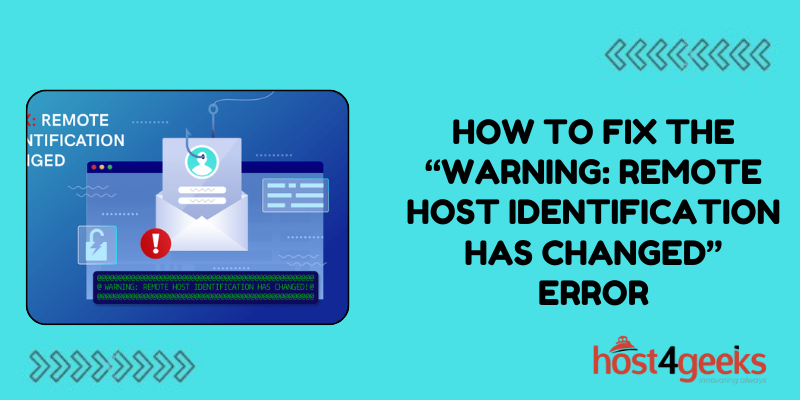
How To Fix the “Warning: Remote Host Identification Has Changed” Error
Seeing the “Warning: Remote Host Identification Has Changed” error essentially means that the public key or “fingerprint” of the server you are connecting to has changed unexpectedly. When connecting to...
Continue reading
How to Restore a WordPress Website From Backups
Having a recent backup of your WordPress site is invaluable when disaster strikes. If your site gets hacked, your server crashes or a plugin update breaks things, being able to...
Continue reading
How to Fix cURL Error 28: Connection Timed Out in WordPress
Encountering the “cURL error 28: Connection timed out after X seconds” message can be quite frustrating for WordPress users and site admins. But thankfully, this common error is fixable through...
Continue reading
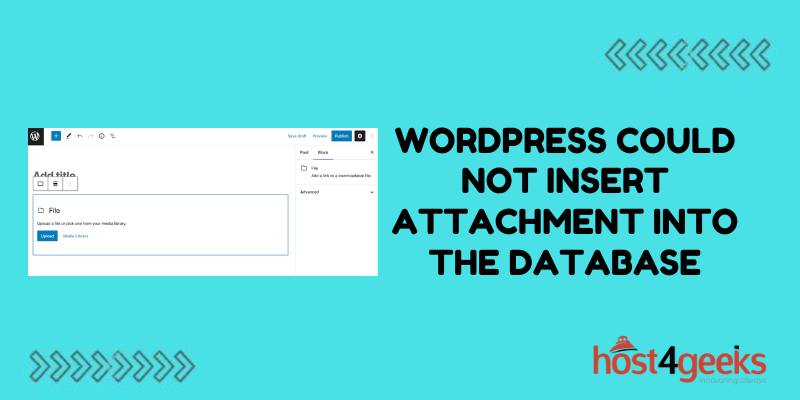
How To Fix the “WordPress Could Not Insert Attachment Into the Database” Error
Dealing with upload errors can be one of the most frustrating parts of managing a WordPress site. You go to add an image or document and suddenly get blocked by...
Continue reading
