

















How to Restore the WordPress System Files



WordPress core files are the foundation that makes the CMS work. If these system files become corrupted or deleted, it can break your WordPress site and cause white screen errors,...
Continue reading
How to Fix the Missing MySQL Extension WordPress Error
Seeing the “Missing MySQL Extension” error when trying to access your WordPress site can be worrying. This critical PHP extension is required for WordPress to connect to the MySQL database...
Continue reading

How to Identify Overload Causes on WordPress Websites
A slow or crashing WordPress website can be incredibly frustrating. But before you can fix the problem, you need to diagnose the root cause. Website overload has many potential triggers,...
Continue reading

How to Manage Object Cache for WordPress Websites
Loading speed is crucial for any WordPress site. Slow page load times hurt SEO rankings and drive away visitors. One effective way to accelerate WordPress is using object caching. Object...
Continue reading

How to Add File Extension to MIME Types
When working with file uploads and downloads on a website, properly configuring MIME types is crucial. MIME (Multipurpose Internet Mail Extensions) types tell the browser how to handle different file...
Continue reading

How to Create an .htaccess File | Everything You Need to Know About
Creating an .htaccess file allows you to customize and configure how your web server handles requests for your website. An .htaccess file gives you control over things like URL rewriting,...
Continue reading
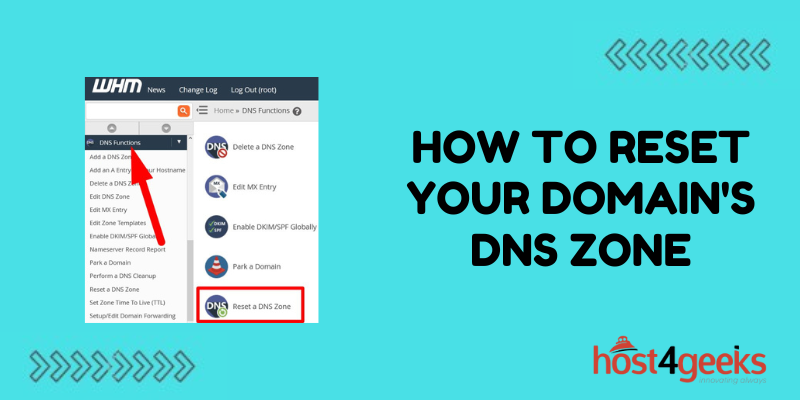
How to Reset Your Domain’s DNS Zone | A Step-by-Step Detailed Guide
Resetting your domain’s DNS zone can help resolve issues with accessing your website or sending/receiving emails. A DNS zone contains records that tell computers how to locate resources like web...
Continue reading
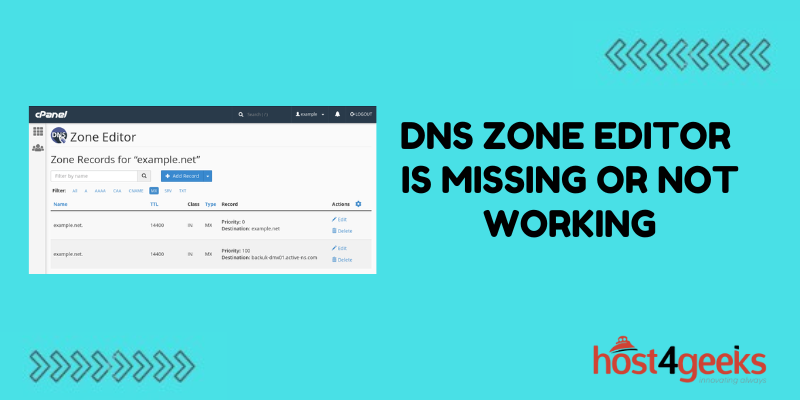
What to Do if the DNS Zone Editor Is Missing or Not Working
Managing DNS servers is a crucial responsibility for most network and system administrators. DNS acts as the Internet’s directory, translating domain names into IP addresses so requests get routed properly....
Continue reading
How to Manage DNS Records – A Detailed Guide for Beginners
Managing your domain’s DNS records is an important part of running a website or web application. Properly configuring your DNS records helps ensure your domain resolves correctly, your site is...
Continue reading
